
Driving
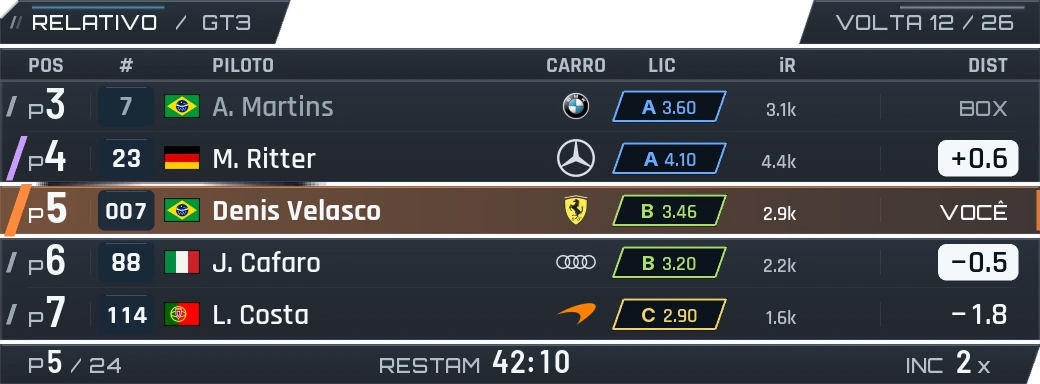
Relative
The field around you, with gaps, country flags and badges. Color shows time gained or lost.
IRACING OVERLAYS · RACE ENGINEER
iRacing overlays for relative, radar, delta and fuel. A race engineer, spotter, strategy and four support screens in one app. Voice currently in Brazilian Portuguese.
Windows 10/11 · iRacing · Test version
The current app and voice engineer are in Brazilian Portuguese. English and Spanish support is in preparation.
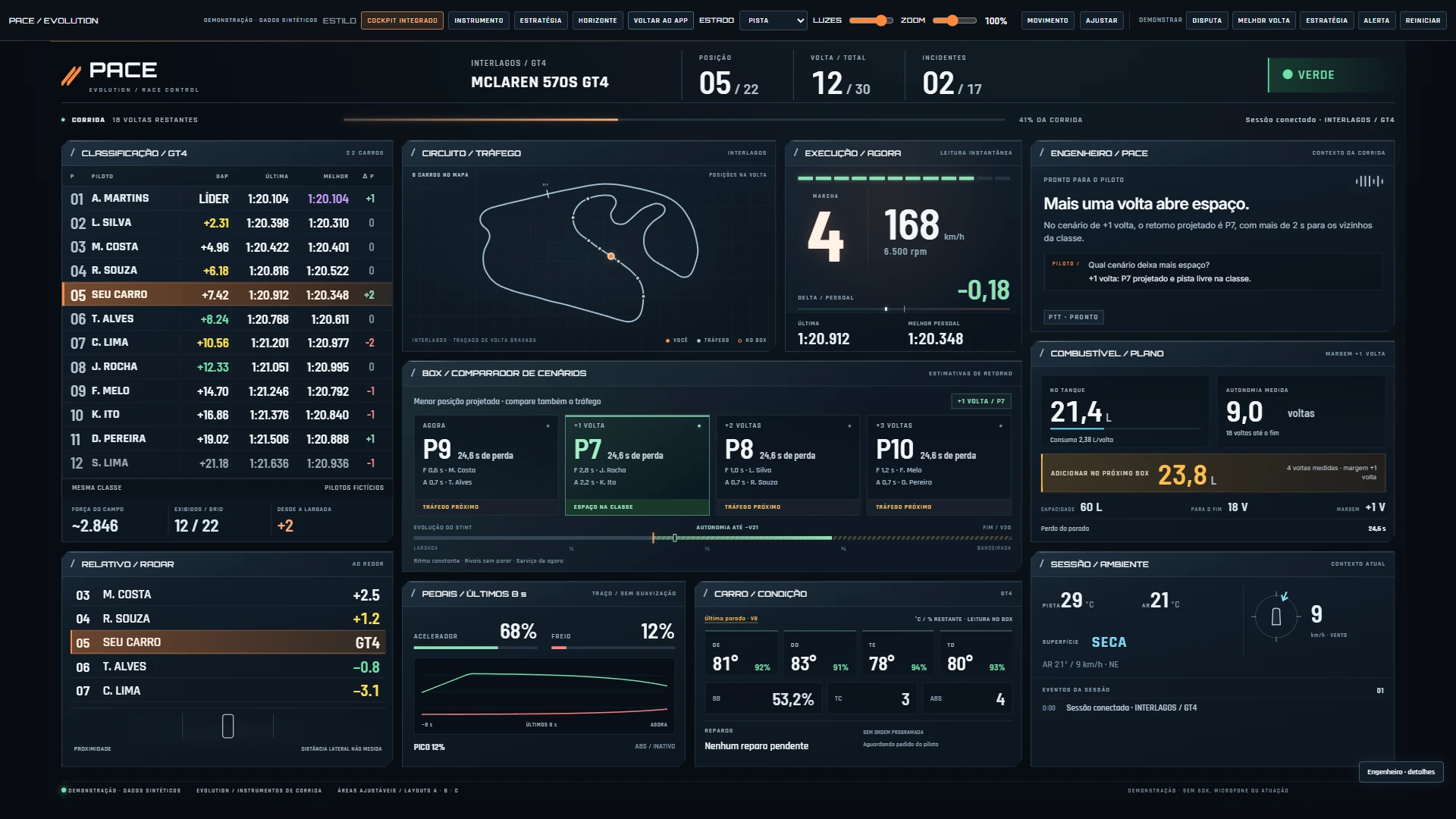
01 / YOUR SECOND MONITOR
Choose what takes center stage. Standings, circuit, strategy and engineer share the same context in four layouts for your cockpit.
Actual RC7.1 screenshots with synthetic data. Customize the panels in the app. This is a test version, not race validation.
02 / PACE EVOLUTION OVERLAYS
Relative, radar, standings, delta, fuel and pedals: choose your Pace overlays and arrange each widget in your cockpit. Previews from the test version.

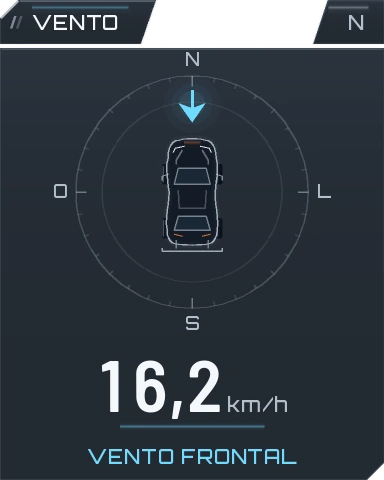
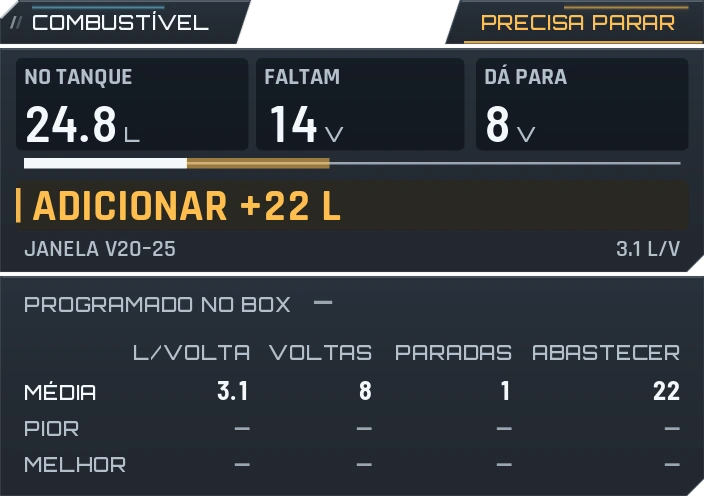
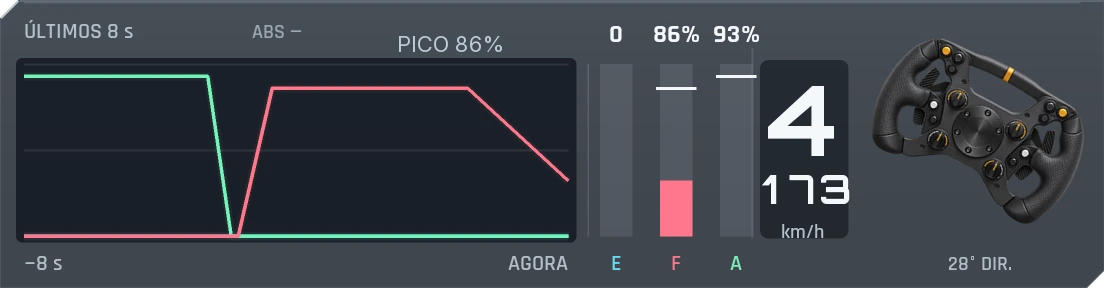
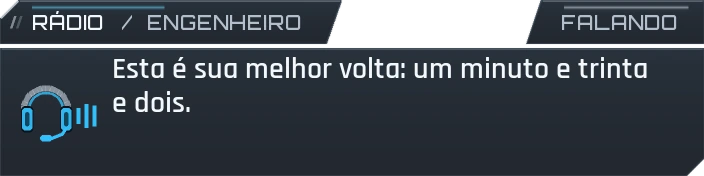
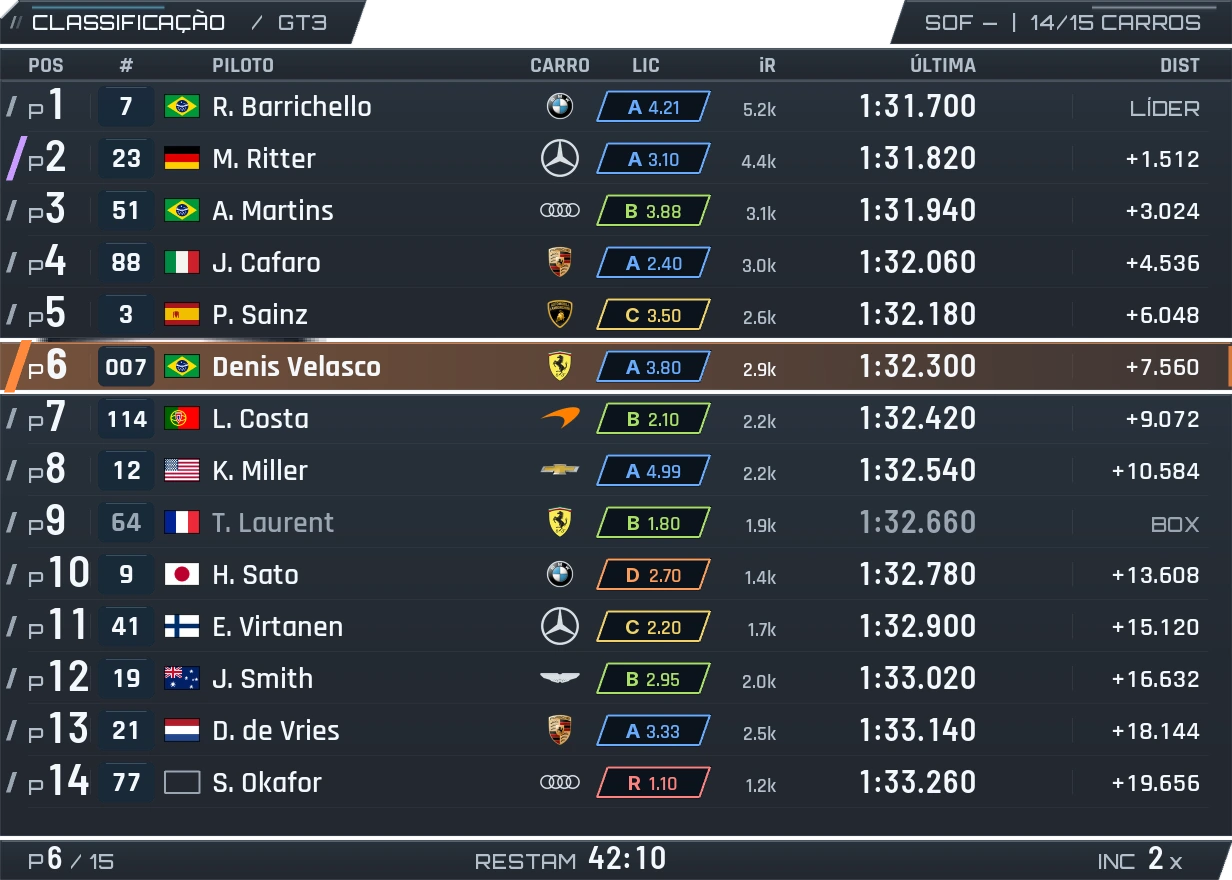
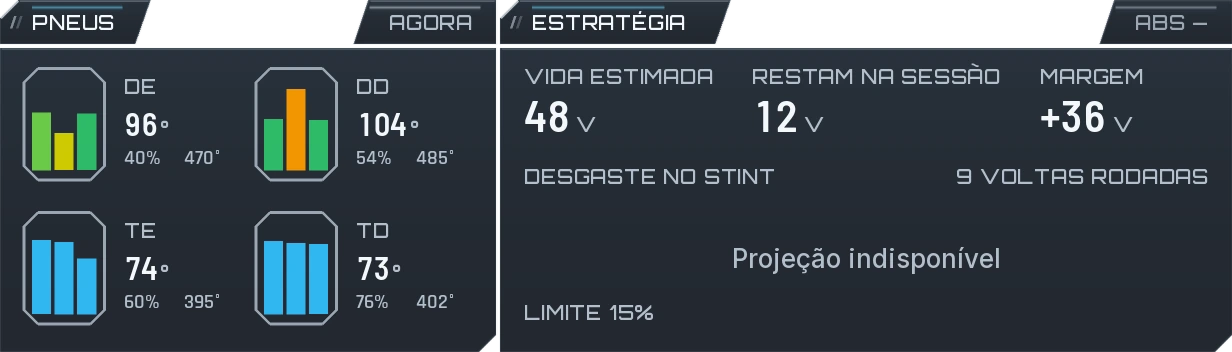
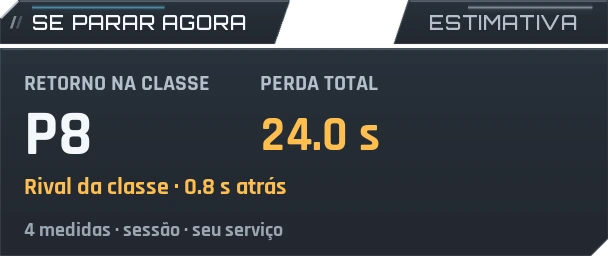
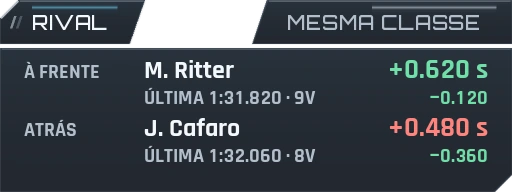
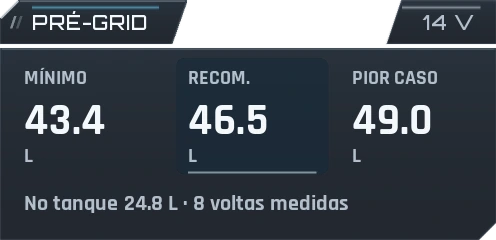
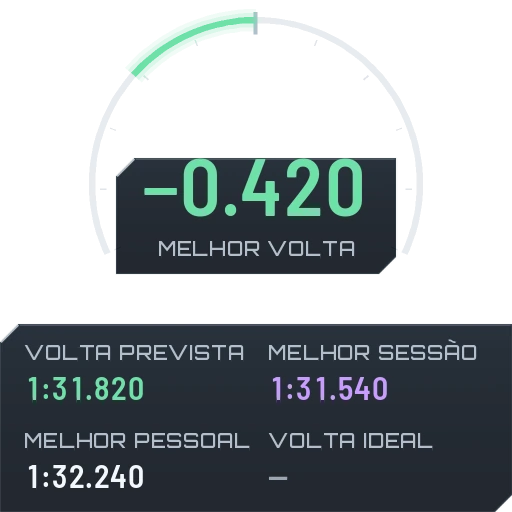

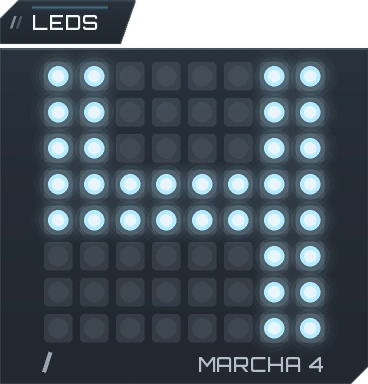
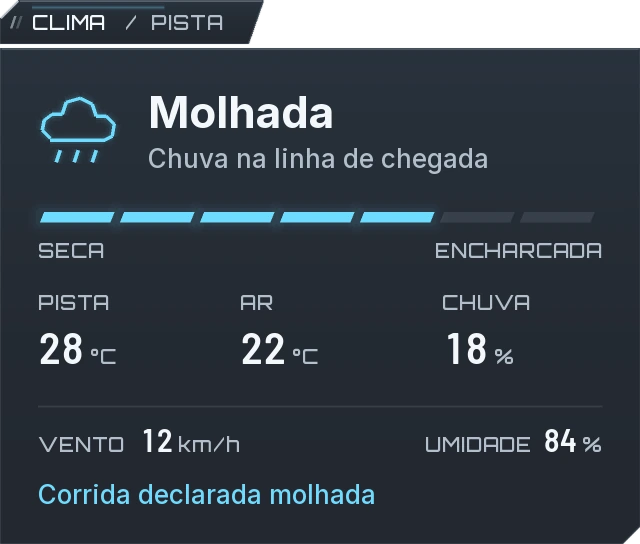
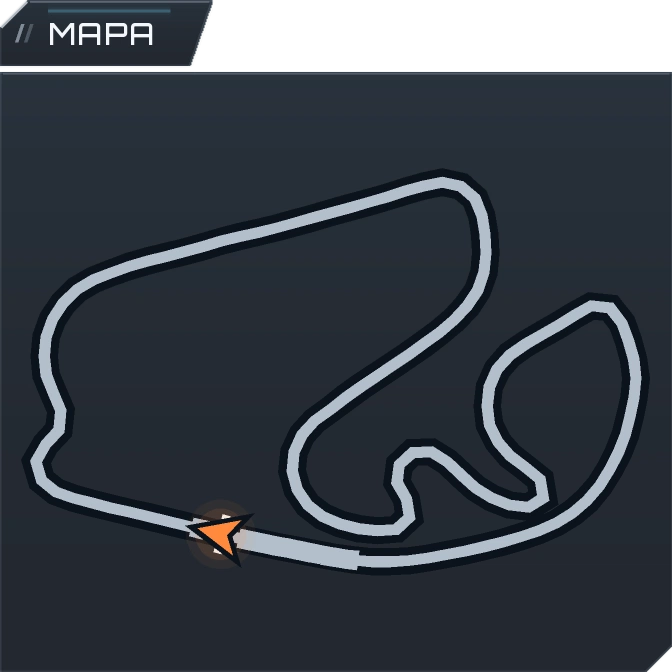
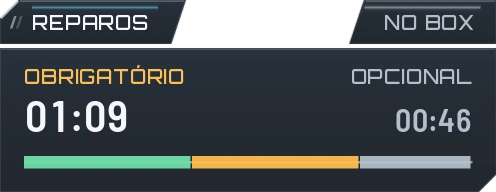
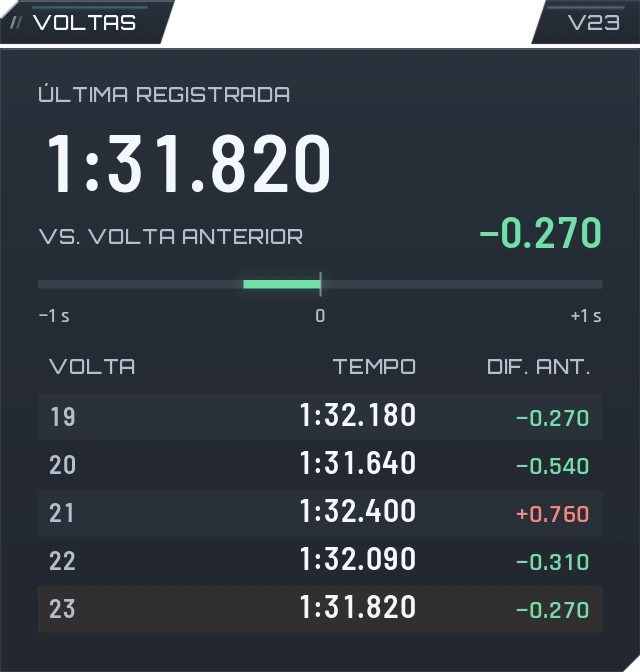
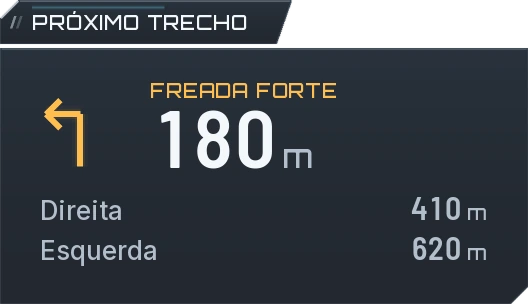
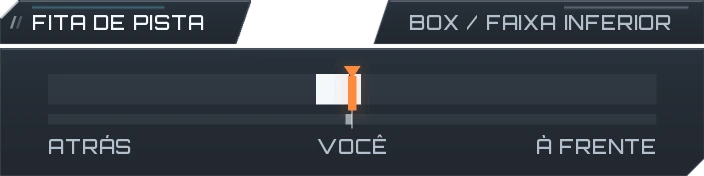
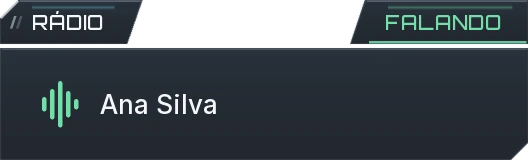
20 widgets available in the test version + Radio room in preparation. Demonstration images.
The engineer makes the difference
It speaks when the situation calls for it, answers your questions and can program pit services. The current Brazilian Portuguese build gives the spotter priority during close racing.
Fuel, flag and car alerts. In practice, it follows valid laps and your personal best. After an impact, it reports damage and available repairs.
Fuel, gaps, pace, tires, brakes and car condition. When a question needs clarification, the engineer can ask and continue with your yes, no or correction.
Request fuel, tire changes or a fast repair. With enhanced recognition enabled, commands are checked and confirmation depends on the simulator's readback.
Cars alongside and clear track take priority over conversation. Pace organizes radio messages around the moment of the race.
YOU
“What's my best lap?”
ENGINEER
“Your best lap: one minute and thirty-two seconds.”
YOU
“Tires?”
ENGINEER
“Do you want to know about the tires?”
YOU
“No, the pressure.”
YOU
“Add thirty liters of fuel.”
AFTER PIT READBACK
“Fuel scheduled: 30 liters.”
Translated conversation examples, not a demonstration of English voice recognition. Current voice support is Brazilian Portuguese; international languages are in preparation.
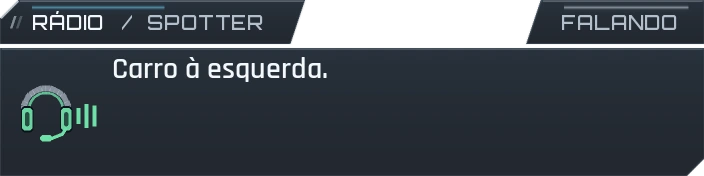
Blue engineerGreen spotter
One all-in-one package
The radio uses session context. Widgets put that context on screen. The control panel brings together setup, layout and analysis.
A spotter, track signals, car context and engineer alerts. The current build speaks Brazilian Portuguese; international voice support is in preparation.
Natural questions, clarification, lap updates and pit service programming.
Relative, standings, radar, pedals, fuel and more, with a consistent visual family and profiles for each car.
Inside the package
Choose your layout, adjust voices and review laps in one app. Explore real Pace panels, shown here in the current Portuguese build.
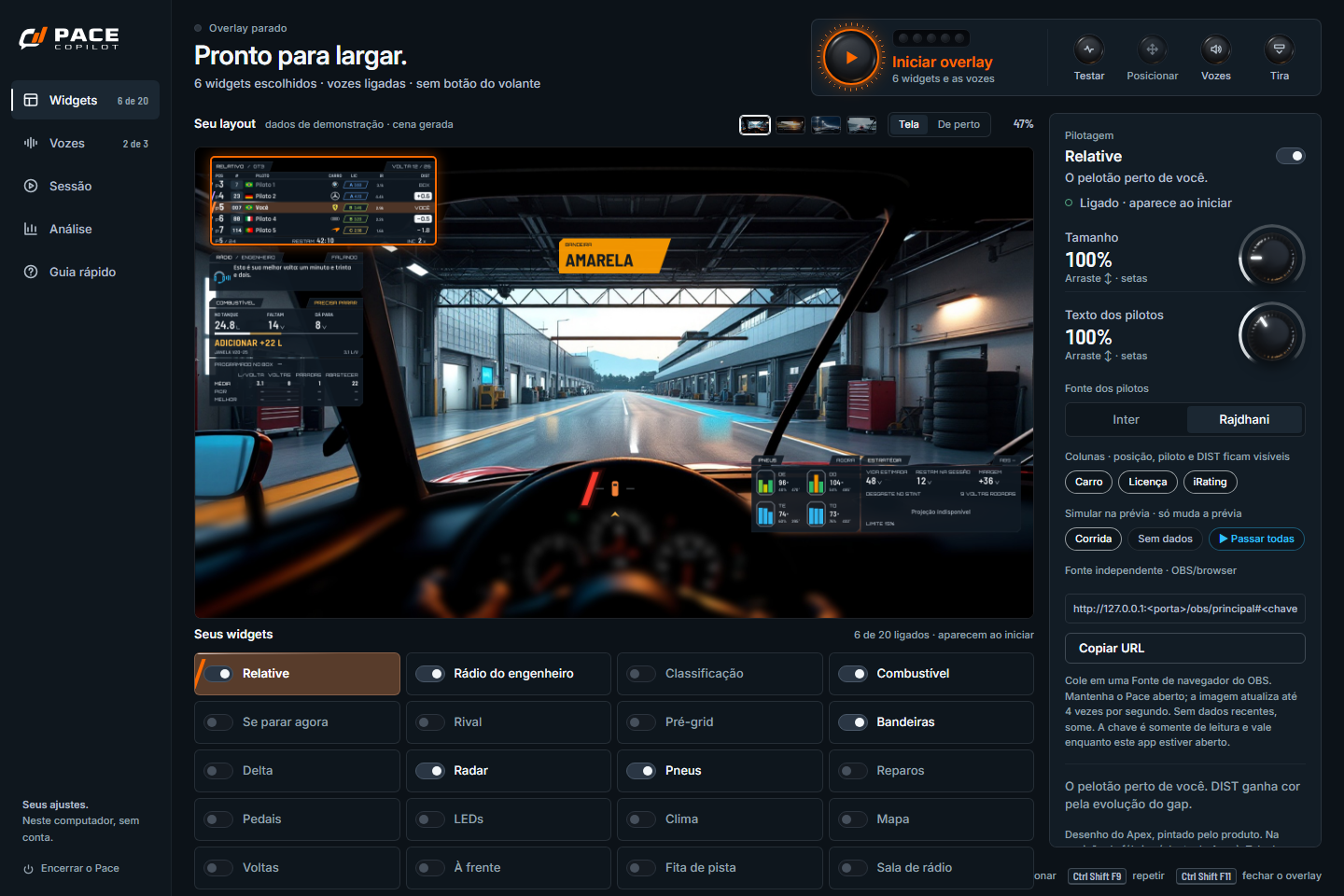
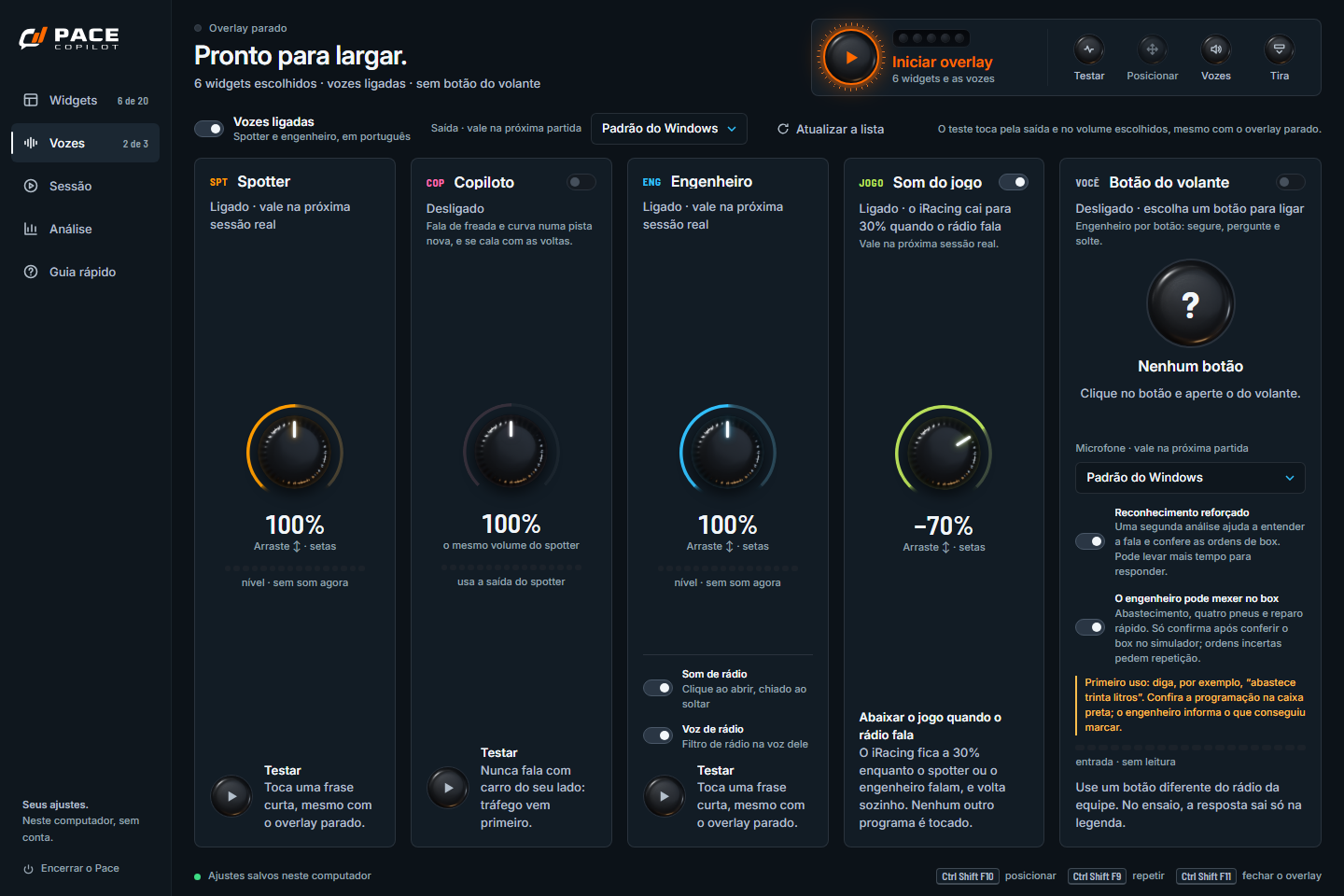
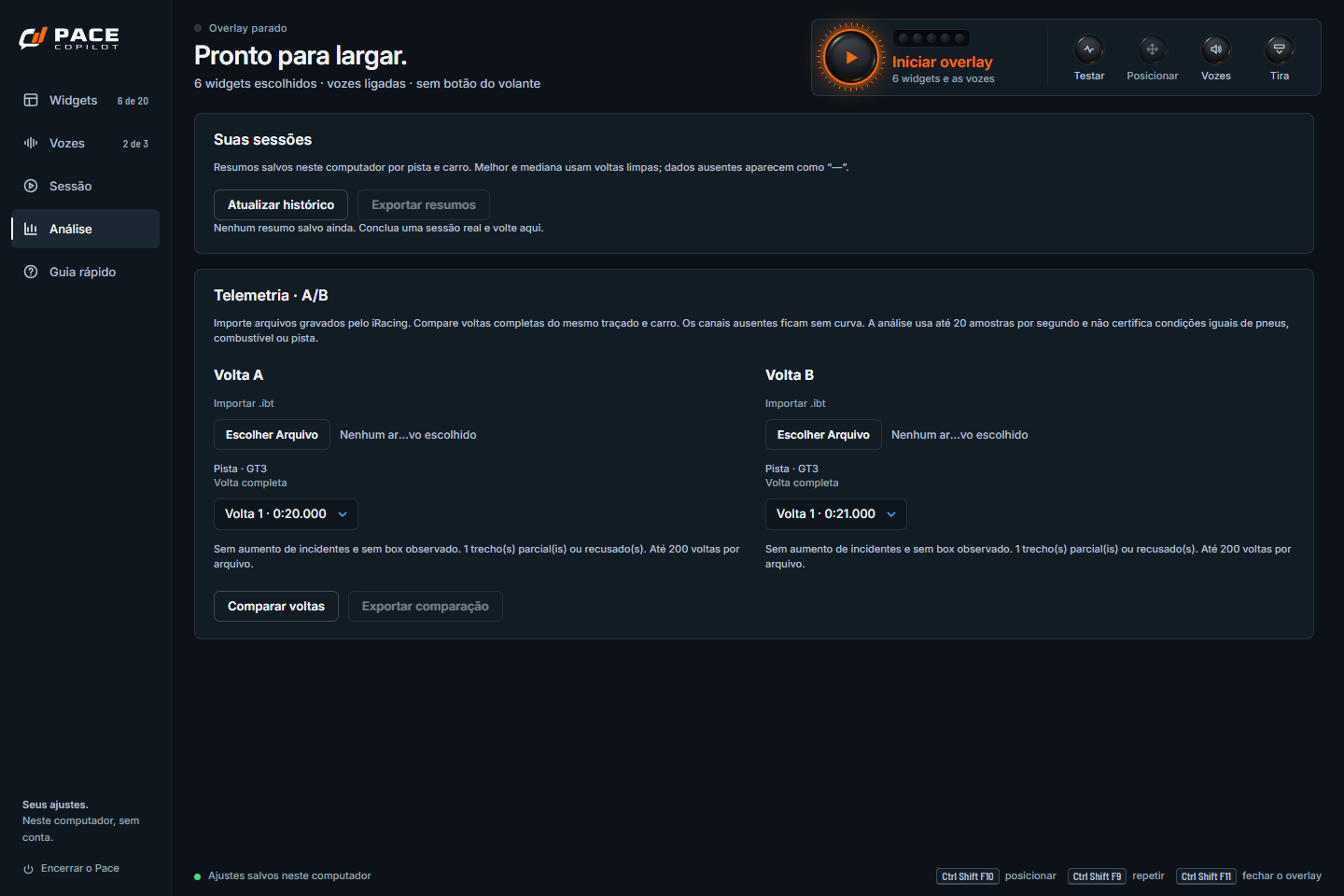
App captures from isolated settings. Layout previews and analysis files use demonstration data, without a real session or an open microphone.
04 / The next part of your team
The package is evolving to bring friends' conversations and endurance teamwork together.
Voice chat with friends in your session, inside Pace. The aim is to bring your group onto the same radio and show who is speaking.
In development. Driver-to-driver radio is not enabled in the current build.
A team view for long races: follow the car, organize stints, fuel and stops, with driver and team working together.
In development. The team experience will be presented in upcoming releases.
Before heading onto the track
An overlay is an information panel displayed over the simulator. In Pace, each widget shows race context such as positions, time gaps, radar, fuel or pedal inputs. Choose which overlays appear and adjust their position and size in the app.
It also gives session alerts. In practice and test drive, it follows valid laps and your personal best; fuel, flags and car condition are reported when appropriate. Ask using your configured wheel button or a key.
Yes. The test build includes voice pit commands for fuel, tires and fast repair. Enable enhanced recognition and permission to change pit settings. Confirmation depends on the simulator's readback; this flow is still being validated on track.
Choose visibility, position, scale, fonts and columns. Display modes and car-specific layouts are available. Multiclass standings separate categories such as GTP, LMP2 and GT3.
Yes. If game audio sounds muffled when you speak, Windows is switching your classic Bluetooth headset to call mode: playback becomes mono with reduced quality while its microphone is open. This Windows/headset switch can also happen in other voice apps. To keep stereo during your question, use a separate microphone or a wired headset or one with its own 2.4 GHz USB receiver. A generic USB Bluetooth adapter does not avoid this switch. Returning to stereo depends on Windows and the headset; compatible LE Audio equipment may behave differently.
Not yet. Both experiences are in development and marked coming soon. Engineer and spotter Radio is already a separate widget; it is different from the future voice room between drivers.
Join the waitlist below for a launch notice. Pace is in testing; these images use current renderers and demonstration data. International app and voice support will follow language validation.
PaceCopilot / Join the next lap
Be notified when the international edition is ready. One package with an active engineer and premium overlays. Join the waitlist; international sales are not open yet.
One email at launch. The list stores your email, signup date, language and market. Your IP is not linked to the signup.